


MyPerfectResume
AI Resume Builder
Create your perfect resume from any device with our free AI Resume Builder. Access content suggestions, ATS-friendly templates, and expert tips to get hired fast.
Our customers have been hired at:*Foot Note


Build Your Winning Resume in 3 Easy Steps

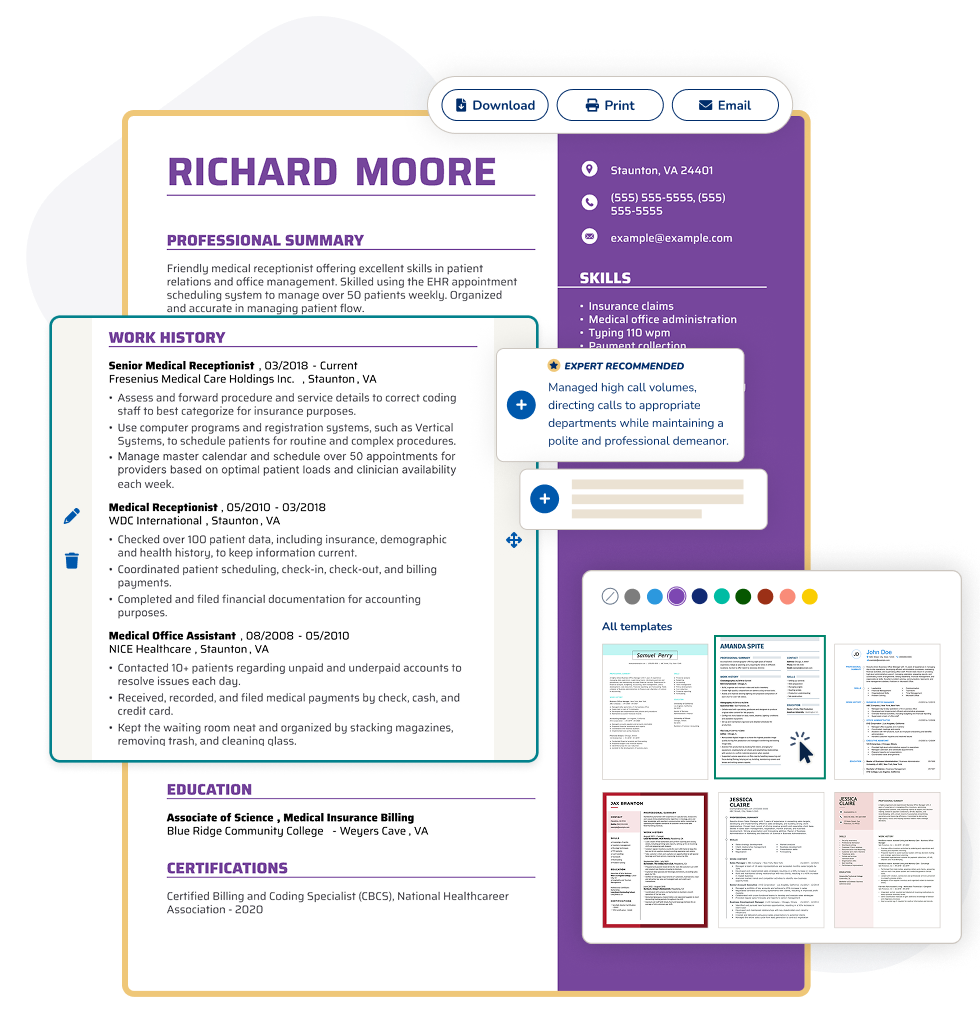
Choose a customizable template built to impress employers and pass ATS scans.
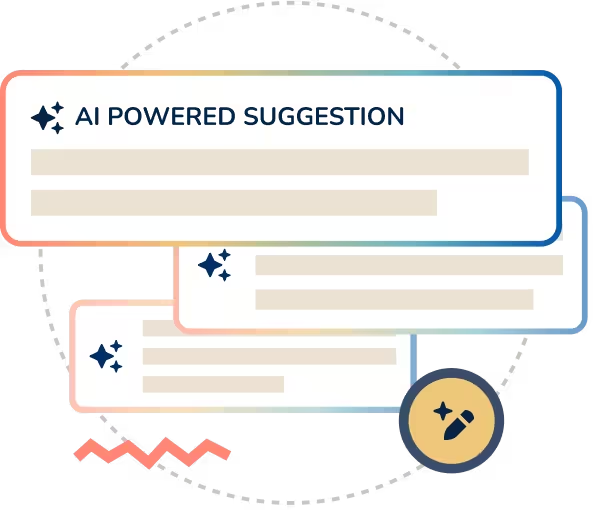
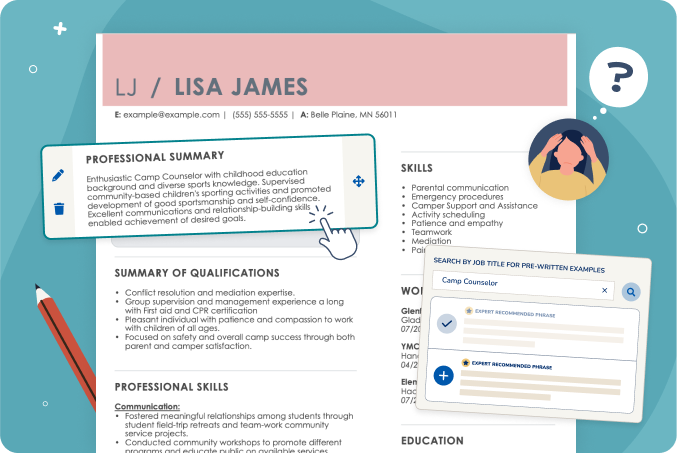
Click or tap to add job-specific content written by AI and professional resume analysts.

Download your resume and share it instantly from your desktop or mobile device.
Job Seekers Trust MyPerfectResume’s Builder
Avg. # of Resumes Being Built Right Now With Our Resume Builder**
Get Hired Faster With MyPerfectResume

Build or Update Your Resume in Minutes
Create or improve your resume with our powerful resume generator. Convert it into a free Bold.pro online profile to elevate your digital presence and grow your network.

Choose From 100s of ATS-Friendly Templates
Pick an ATS-friendly template and customize it to fit your style. You can use our Resume Builder for free to create your resume and download it in plain-text (TXT) format.

Add Professional Content Suggestions
Impress recruiters with professionally written and AI-powered content that showcases your strengths. Simply click or tap to add ready-to-use skills and phrases to your resume.

Scan Your Resume for ATS Compatibility
Scan your resume for 30+ potential issues with our mobile-friendly ATS Resume Checker, and apply expert-recommended fixes to boost your chances of passing hiring software.

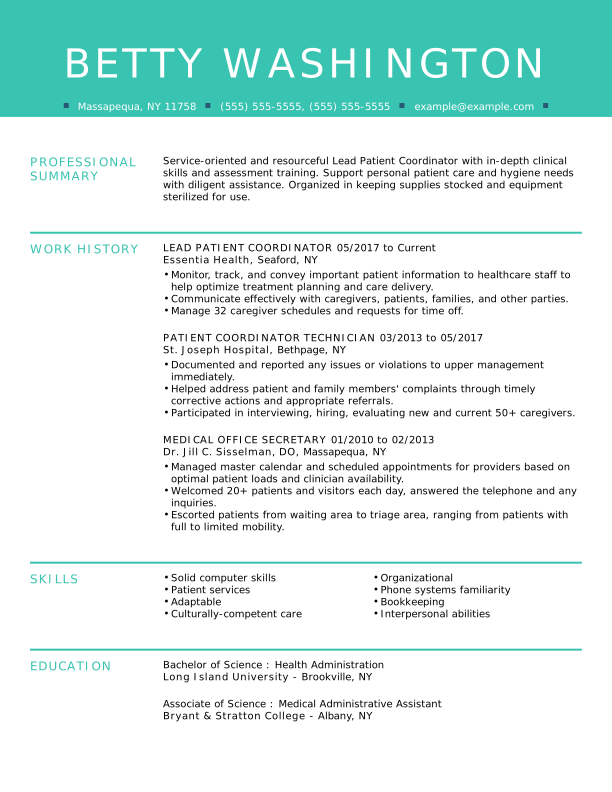
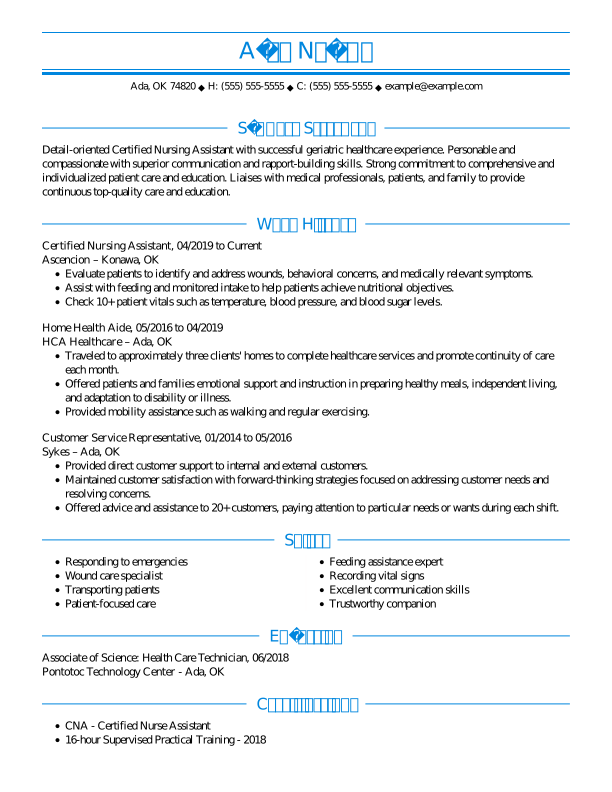
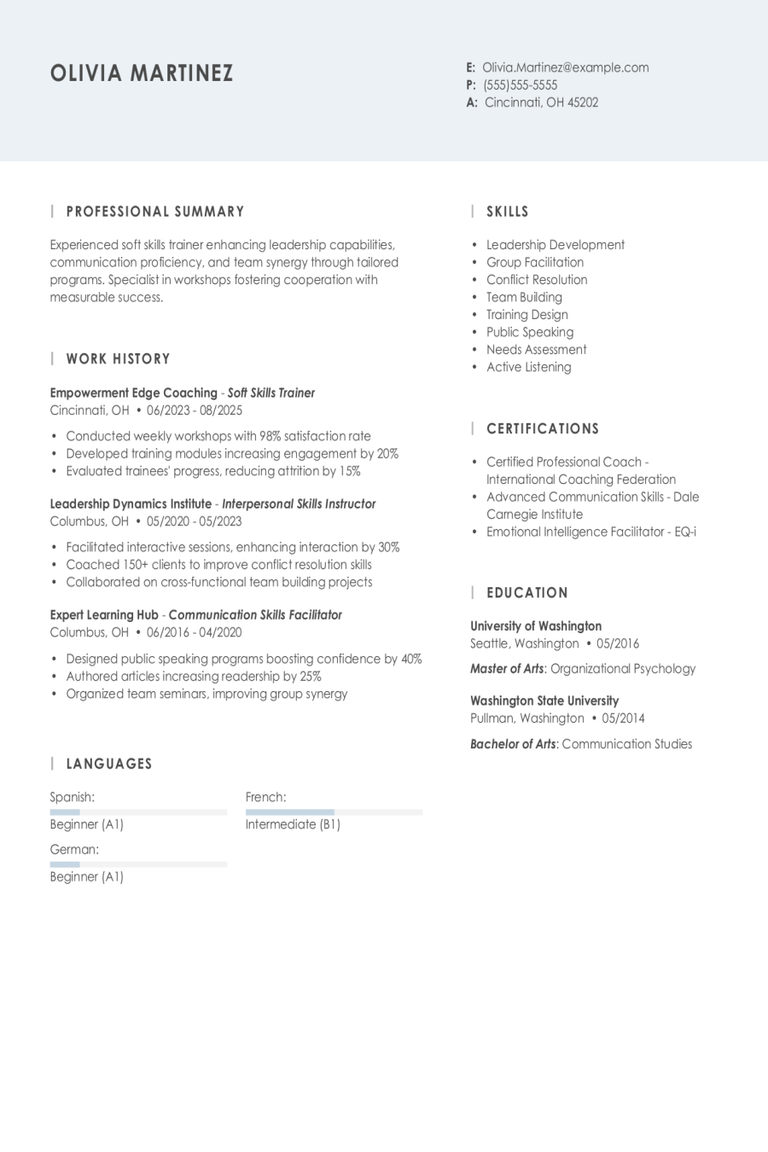
Get Inspired by Professionally Made Samples
Explore resume examples for your industry or role, then personalize them in our AI Resume Builder with job-specific content suggestions and intuitive editing tools.

Outperform Your Competition With Expert Help
Visit our career center for job search and career development guidance, or watch our expert-led webinars on key topics from networking to salary negotiation.






42% Higher Recruiter Response Rate
MyPerfectResume’s AI Resume Builder helps you craft tailored applications that stand out to recruiters and earn more responses, accelerating your job search.

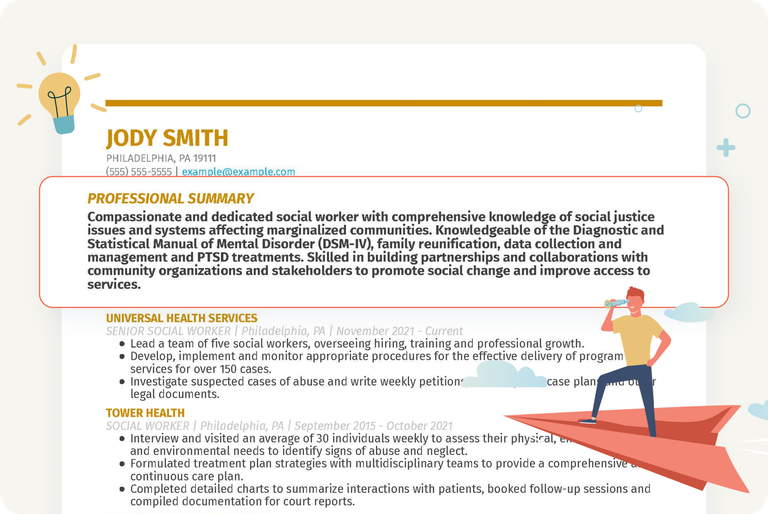
Customize the design and format of your resume to reflect your personal brand.

Add expert-backed content that targets skills employers value in your industry.

Use your resume to generate a matching cover letter or start fresh with our builder.
Search Professionally Written Resume Examples
Our resume examples are crafted to showcase sought-after skills and experience in your industry. Choose one for your job title and customize it to your liking!
Enter a job title or industry below:
Top Resume Examples
Search Professionally Written Cover Letter Examples
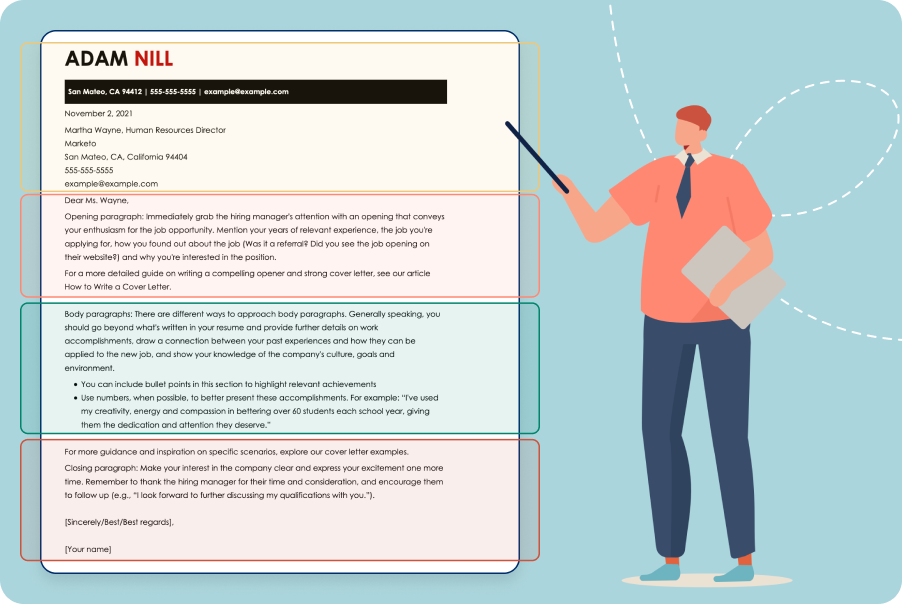
Our cover letter examples are crafted to showcase sought-after skills and experience in your industry. Choose one for your job title and customize it to your liking!
Enter a job title or industry below:
Top Cover Letter Examples
Search Professionally Written CV Examples
Our CV examples showcase the key skills and experience employers look for in your industry. Choose one for your job title, customize it, and learn when to use a CV instead of a resume!
Enter a job title or industry below:
Top CV Examples
Expert Reviews of
Our AI Resume Maker

Best Straightforward Resume Builder.
MyPerfectResume is quick and easy to use in my experience.
Simple interface, many template options. The completeness bar tracks your progress.

MyPerfectResume makes it easy to create a professional resume in just three steps.
MyPerfectResume sets itself apart by also offering CV-building tools…
If you’re looking for a resume builder with cover letter and CV resume templates, plus lots of expert-written content, MyPerfectResume is the way to go.

MyPerfectResume is excellent for more experienced resume writers.
While it offers dozens of resume formats with different styles, you can also start from scratch with a blank template or edit an existing resume.
It’s easy to use and has a responsive chat feature to walk you through the process.

MyPerfectResume walks you through every step of the resume-building process from choosing a template to showcasing your skills. It gives you suggestions on how to increase your appeal to employers, so it’s a great choice if you’re new to resumes or need help with self-promotion.

MyPerfectResume’s builder handles formatting and section titles, and even provides ready-made content suggestions you can customize to describe your work experience.
The platform is comprehensive and intuitive, guiding users step by step while offering improvement tips along the way.
Advice From Certified Professional Resume Writers & Career Experts
Our career advice articles are here to guide you through resume and cover letter writing, networking, interview preparation, salary negotiation, and more.

Recently Published Articles



Frequently Asked Questions
Last Updated: July 08, 2026What is a resume builder?
A resume builder is an online tool that helps you quickly create a professional resume. MyPerfectResume’s Resume Builder guides you step by step, offering templates, formatting support, and expert-written content suggestions to help you build a clear, well-structured resume tailored to your experience and career goals.
Is the MyPerfectResume AI Resume Builder free?
You can use MyPerfectResume’s AI Resume Builder for free to create a resume, access guided prompts, and download your resume in plain-text (TXT) format. Premium access unlocks unlimited PDF and Word downloads, plus additional tools, such as a personalized ResumeCheck™ score, a Cover Letter Generator, and ExpertApply job application support.
How do I use the MyPerfectResume Resume Builder?
You use the MyPerfectResume Resume Builder by following guided prompts to enter your work experience, skills, and education. You can choose a template, customize your layout, and instantly generate a formatted resume. Once complete, you can download your resume or return to it later to edit and update it anytime.
Can I use MyPerfectResume’s Resume Builder on my phone?
Yes, you can use MyPerfectResume’s Resume Builder on your phone because the platform is fully mobile-optimized. In fact, 43.81% of users built resumes on mobile in 2025. You can build, edit, and download your resume or CV from any device. You can also email your documents to yourself or to employers and access them later from either a desktop or mobile device.
Are MyPerfectResume resumes ATS-friendly?
Yes, MyPerfectResume resumes are ATS-friendly. Our templates are designed so that applicant tracking systems (ATS) can easily read and process your content. The builder also helps you optimize keywords, structure, and formatting so your resume performs well with both ATS software and hiring managers reviewing your application.
Can I customize my resume template?
Yes, you can fully customize your resume template using MyPerfectResume. You can adjust layouts, reorder sections, edit content, and personalize formatting, such as fonts and spacing. The builder automatically maintains a clean structure, so your resume remains professional and easy to read.
What is the difference between a CV Maker, CV Builder, and CV Generator?
A CV Maker, CV Builder, and CV Generator are different terms used to describe tools that help you create a professional CV. MyPerfectResume’s CV Maker combines these approaches by offering guided prompts, customizable templates, and AI-powered suggestions to help you create a professional CV for academic or career use, including international formats.
Can I create a CV with MyPerfectResume?
Yes, you can create a CV with MyPerfectResume using our CV Maker. The platform guides you through adding education, experience, research, certifications, and more. You can generate a complete CV in minutes and download it in formats suitable for academic, research, or international applications.
Can I create a cover letter with MyPerfectResume?
Yes, you can create a cover letter with MyPerfectResume using our Cover Letter Generator. The tool provides tailored prompts based on your experience and job title to help you write a professional cover letter. You can also generate matching cover letters that align with your resume or CV.
Is MyPerfectResume a secure and trustworthy platform?
Yes, MyPerfectResume is a secure and trustworthy platform. We use industry-standard security measures to protect your personal data and account information, including secure data handling and encrypted systems where appropriate. We’re also rated “Excellent” by our customers on Trustpilot. You can learn more about how your information is collected, used, and protected in our Privacy Policy.
Create Your Resume With
MyPerfectResume
Start today with the best free Resume Builder and boost your job prospects.

